GetGuac email
Two addresses.One smart inbox.
Keep shopping messages together and send receipt emails for processing. Review the extracted details against the original.
Free forever · No card or bank login required
Personal
you@getguac.app
Your free mailbox. Read & reply right inside GetGuac at /inbox. We surface your mail in-app so you never have to juggle a separate webmail tab. You can pause this in Profile → Email settings any time.
One-click opt-out · One-click delete-all
Auto-process
you+g@getguac.app
The magic address. Any email landing here is read by Guac-AI, parsed for store + items + total, and filed into your Receipts within 10 minutes.
Auto-processed · <10 min latency
Both addresses land in the same mailbox — GetGuac Mail's plus-addressing routes +g through the same inbox. GetGuac filters by the Delivered-To header so it only processes mail addressed to the receipts hook.
When to use each address
Use you@getguac.app
Merchant accounts (Amazon, Walmart, Target)
Sign up using your @getguac.app address — order confirmations land in your inbox.
Store loyalty + rewards programs
Promotional offers, points statements, expiry alerts — kept private.
Subscriptions + recurring services
Netflix, Spotify, gym, anything. One address, easy to track.
Anywhere you don't want to give your real email
A working email that's yours — not your personal Gmail.
Forward to you+g@getguac.app
Order confirmations from any merchant
Amazon, Walmart, Best Buy, restaurants — forward and the AI files it.
E-receipts that landed in your real Gmail
Forward old receipts you want tracked. One-time effort, lifetime stored.
PDF bank statements via email
Forward your card statement and Guac-AI extracts transactions + fees.
Auto-forward rules in Gmail/Outlook
"Subject contains: order confirmation → Forward to you+g@getguac.app". Set once.
The privacy promise, in three lines
- Inbox processing is an opt-in service. Toggle it off in Profile → Email settings and we stop fetching mail. Your mailbox keeps working for send/receive; we just stop syncing it into the app.
- Auto-parse is limited to +g. Only mail sent to your +g address is auto-filed as a receipt. Everything else just sits in your Inbox.
- You can wipe everything in one click. Profile → Delete account. Mailbox, messages, parsed receipts, alias — all gone, no copies kept.
Every receipt makes the next trip smarter.
Photo and email receipts become searchable purchase memory, then help every stage that follows.
See the complete GetGuac journey →Learns from every trip.
Never lose a receipt again
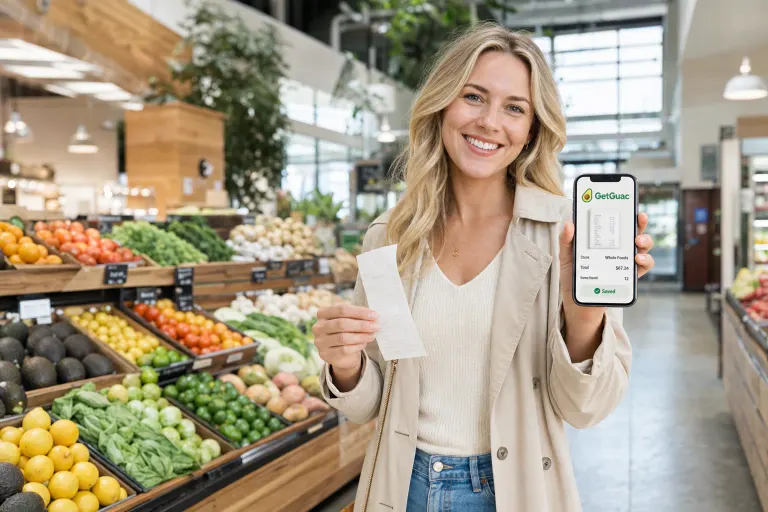
Snap it, or let GetGuac pull it straight from your inbox — every receipt filed, itemized and searchable.
Real screens from the live app (demo data) — web and mobile.
Capture email receipts without the clutter
Claim your free GetGuac address.
Forward real receipts to your personal GetGuac address. Promotions stay promotions instead of becoming $0 receipts.
Free forever · No card · No bank login required